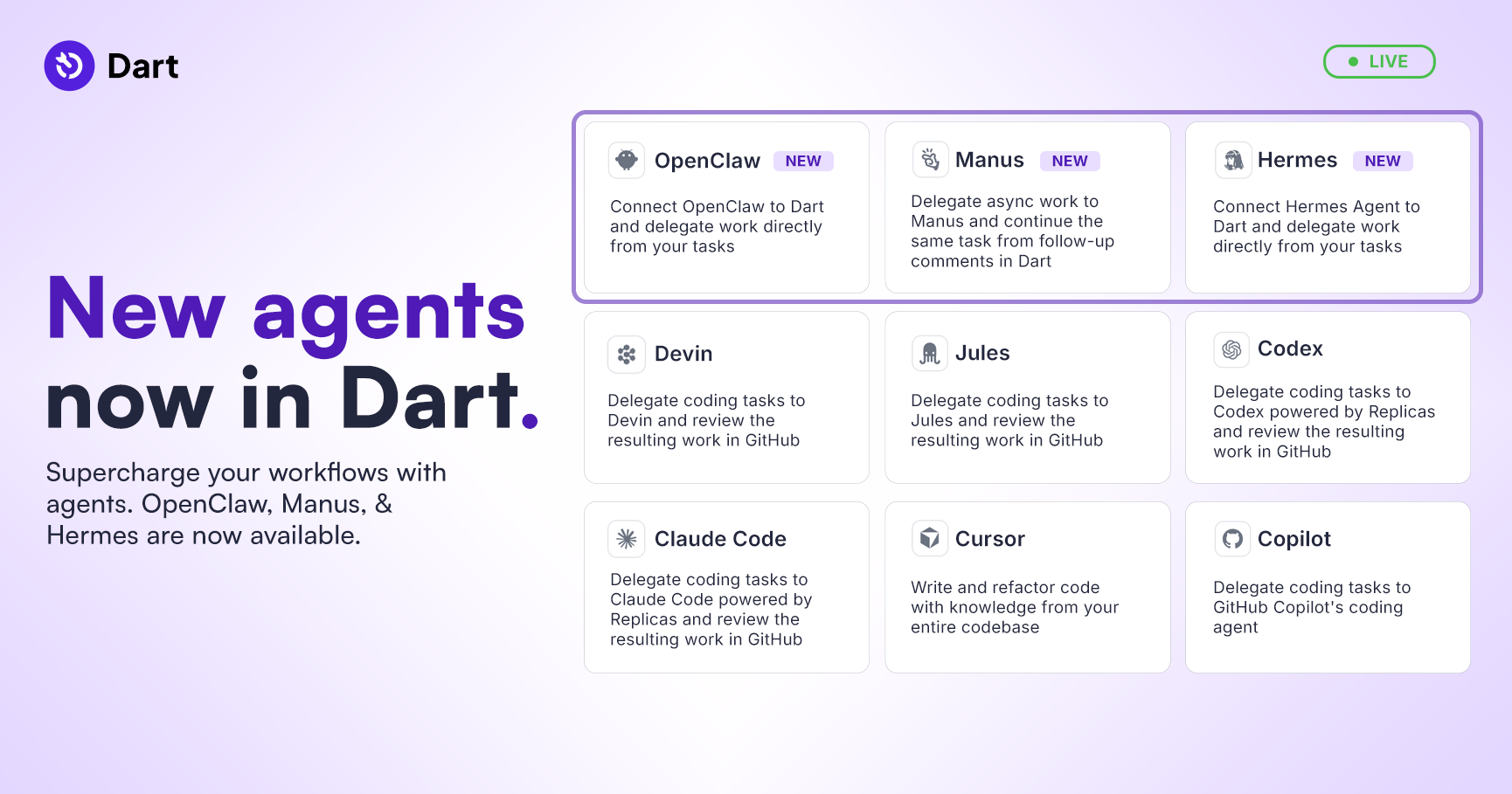
Dart v7.11 is live, bringing massive upgrades to your workspace autonomy and project visualization. We’ve vastly expanded our agent lineup, unlocked real-time web search for AI chat, and introduced a completely new visual layout to map out your workflow dependencies.
View our full changelog here.
OpenClaw, new agents & live web search
- Added official integrations for OpenClaw, Hermes, Manus, Claude, Codex, and more, giving you an unparalleled variety of specialized assistants
- We’ve overhauled the Agents page to make it easier now than ever before to create and deploy them
- AI chat & agents can now fetch live information directly from the internet, ensuring your answers are always up to date
- Access state-of-the-art reasoning for your most complex workflows with Claude Opus 4.7
- Tag and notify agents directly within task comments to bring them into the loop. Plus, use AI to generate custom profile pictures for your agents (and yourself!) directly in the app
To learn more about custom agents and see some examples check out this article.
Visual workflows & interface upgrades
Mapping out complex blockers and focusing on deep work has never been easier.
- Access the new "Workflow" layout next to the standard list, board, roadmap, and calendar. Easily build, visualize, and connect task relationships and blockers across your workspace in a dynamic interface
- Now you can hover over a teammate's name to instantly view their role and current local time
- Fully collapse the left sidebar on desktop for a distraction-free screen, and rapidly clear older notifications using the new "Mark read below" quick action in your Inbox
- Track exactly when work crosses the finish line with the new "Completed at" property
More improvements
- Fixed an issue where Dart AI would not automatically start working on tasks assigned to it
- Made task creation through integrations more reliable
- Improved task update handling, task title change history, and background event processing
- Fixed blocker-related issues so subtasks can be attached as blockers more reliably
- Improved inbox notification reliability and made sure task properties display correctly
- Polished task overlays by fixing visual flashes, layout shifts, fullscreen width, and scrollbar placement
- Updated app animations so transitions slide more smoothly
- Fixed table editing issues and improved table formatting button placement with helpful tooltips
- Cleaned up formatting bugs around code blocks, extra backticks, dollar signs, list alignment, text highlighting, and accidental link creation
- Fixed board behavior where hidden empty columns could stay hidden after dragging tasks into them
- Improved agents and agent settings by fixing missing swimlanes, page sizing, agent links, right-click settings, and editor layout constraints
View all improvements in the full changelog →
There is a massive amount of polish in this release to make your workspace feel faster and more capable. If you have any questions about setting up the new agents, the visual workflow layout, or live web search, just reply to this email!
_light%201.avif)