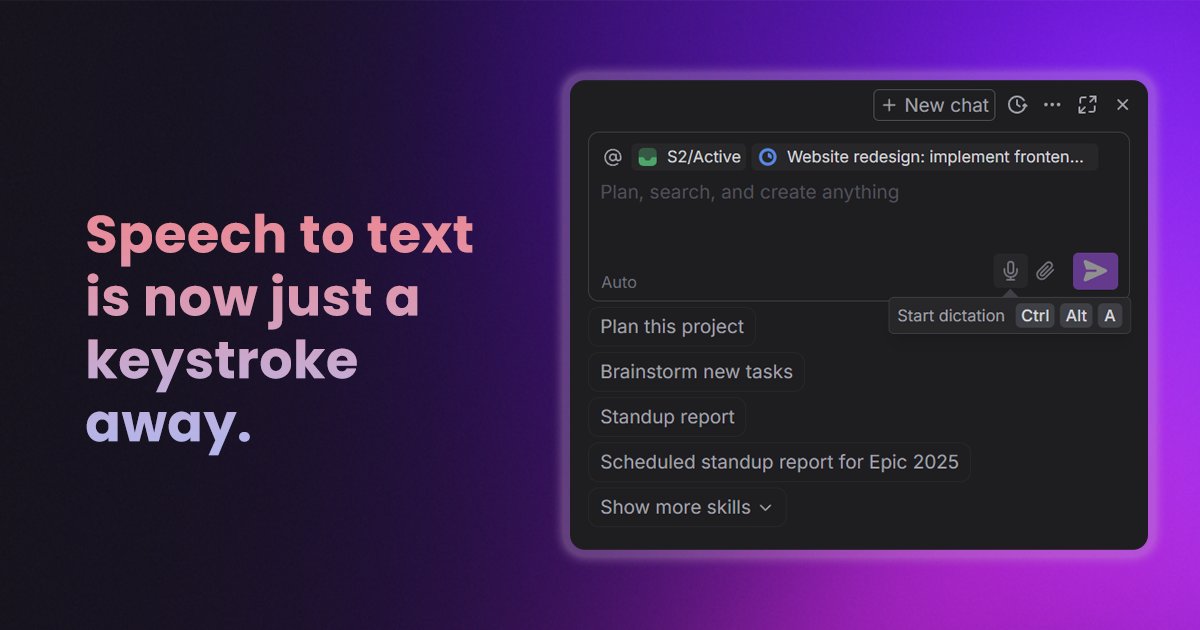
Today we’re rolling out our latest update. This release focuses heavily on quality-of-life improvements, making your AI chats both easier to use and organize.
View our full changelog here.
Organize your AI chats
We’re making it easier to keep track of your most valuable AI conversations and workflows.
- You can now pin or bookmark your favorite AI chats for quick and easy access later
- You now have the ability to manually rename chats in your history, keeping your sidebar organized and searchable
Dictation and AI skills
We’ve implemented improvements to dictation and AI skills to keep you in flow for longer.
- Added a new dictation keyboard shortcut for much faster voice-to-text entry
- The comment and description toolbars now hide the attachment and dictate buttons when not actively in use to reduce clutter
- Made UI improvements to our AI skill interactions, making the chat and skill editor much more intuitive
Search and UI
- Refreshing a search page now properly reloads your recent query instead of showing a blank screen
- Improved the reactivity of the Home and Inbox views to better adapt to various screen sizes, and fixed tooltips to prevent overlapping layouts
- Reports folders now show a contextual emoji rather than an empty folder icon, and we've improved the topbar styling and date icons
More improvements
- Resolved memory leaks and timeout issues to prevent app crashes
- Ensured the "new task" row properly shows up at the bottom of lists even if task groups are hidden
- Resolved an issue where users were occasionally unable to add new teammates to their workspace
- Fixed bugs where pasting links into task descriptions was occasionally unresponsive.
- Fixed bugs that caused layouts to accidentally overlap
- Deleting a space or dartboard now reliably moves associated tasks to the trash
- Fixed a bug where creating a status or type with a duplicate name would break and leave it with no name
- Added safeguards to prevent accidentally misconfiguring general or personal spaces
- Fixed an issue where the "Fill out with AI" tag option wouldn't close
- Resolved visual bugs where avatars displayed incorrectly if they hadn't fully loaded
_light%201.avif)