%20(2).jpg)
Feeling like there just aren't enough hours in the day? You're not alone. But what if you could get some of that time back?
Modern AI tools for time management are like having a personal productivity assistant, designed to reclaim your focus and your schedule.
We're breaking down the best AI time management practices for improved efficiency and finally clearing the chaos. Get ready to discover how a few smart tools can help you reclaim your time and focus on the work that actually inspires you.
6 game-changing AI in time management solutions
If you've ever felt like your day controls you instead of the other way around, you're not alone. The good news? Artificial intelligence is finally offering solutions that actually work, not just another app to check or system to maintain.
Let's look at six AI-driven approaches that are genuinely changing how people manage their time.
1. AI calendar management and smart scheduling
Remember the last time you spent fifteen emails trying to find a meeting time that worked for everyone? Those days are fading fast.
AI-powered project management calendar tools have changed the game completely.
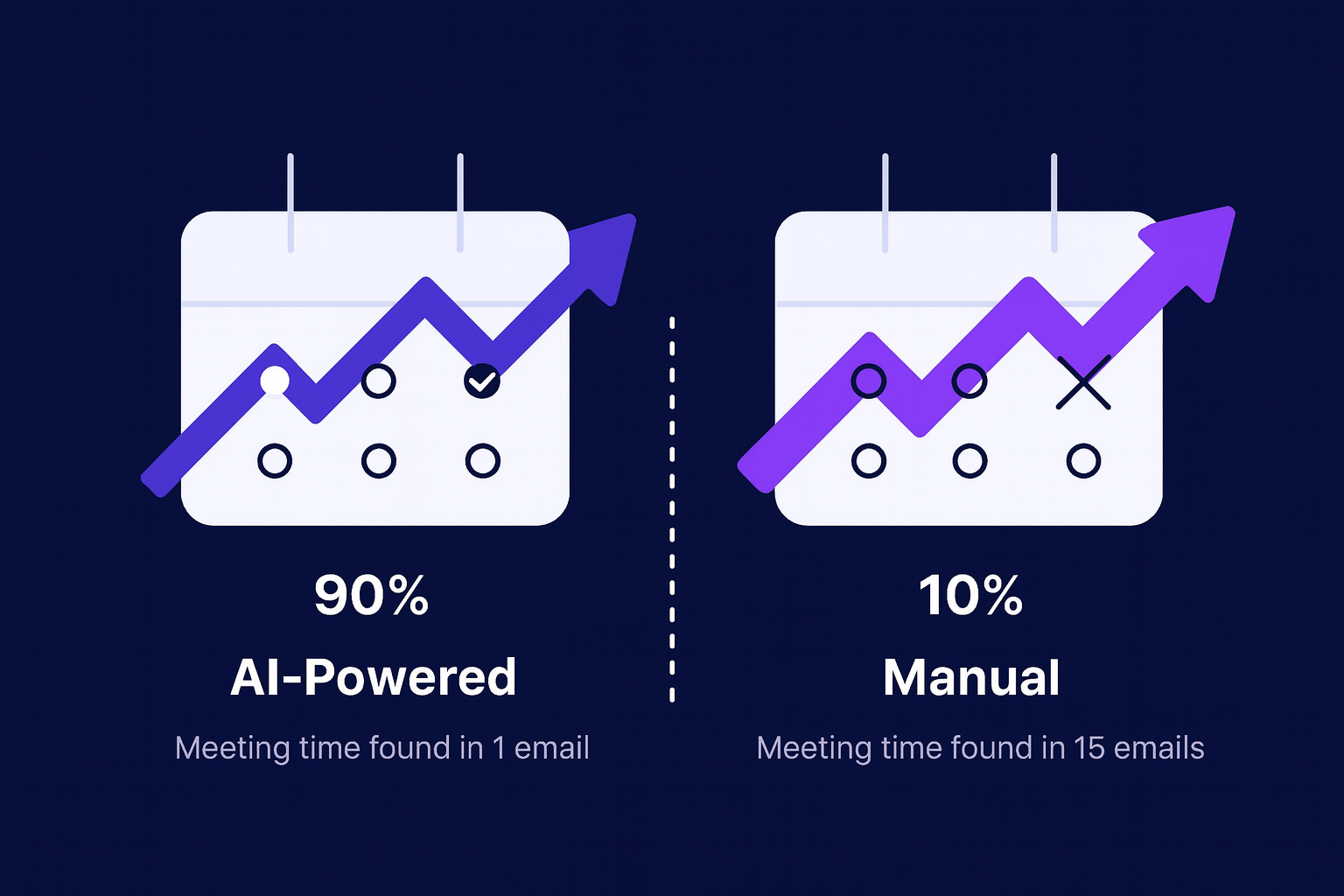
Here’s what’s different: these systems learn how you work. They protect your most productive hours and adjust for patterns like long-running meetings, offering real AI for time management benefits, and daily scheduling tailored to you.
What they handle automatically:
- Detecting conflicts across multiple calendars and suggesting alternatives
- Learning your preferences to protect your most productive hours
- Accounting for time zones when scheduling with remote teams
- Building in realistic travel time between in-person meetings
- Predicting meeting duration based on past patterns with similar attendees
2. Automated task prioritization systems
These tools go beyond simple due dates. They understand context through natural language processing, so when someone says something is "urgent" or "blocking the team," the system adjusts accordingly. They watch how you work, notice patterns in what you tend to do first, and start making smarter suggestions over time.
The best part? They adapt as your day unfolds. New priority comes in at 2 PM? The system reshuffles everything automatically. No more manual reorganizing or that nagging feeling that you're working on the wrong thing. You can trust the list in front of you and just work.
3. AI meeting assistants and optimization
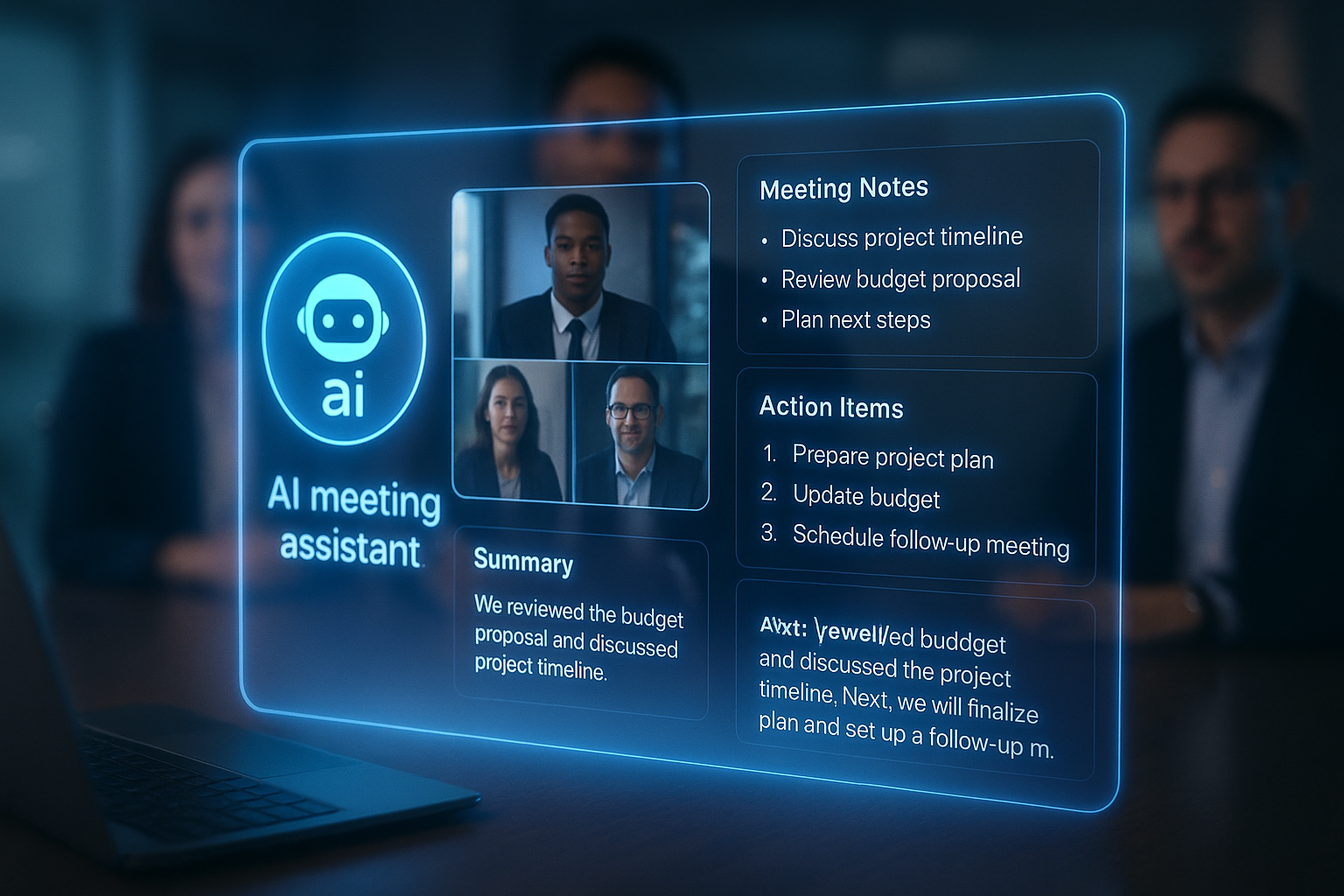
Let's be honest: most meetings could be better. Either they run long, or no one's quite sure what was decided, or the notes are incomplete. AI meeting assistants are finally making meetings work the way they should.
Picture this: the agenda gets created automatically from your email threads and project notes. During the meeting, everything gets transcribed in real-time, so you can actually participate instead of frantically typing. Action items get flagged and assigned as people talk. Afterward, everyone gets a clean summary with their specific next steps.
What makes these tools valuable:
- Automatic agenda generation based on email threads and project context
- Real-time transcription so you can focus on discussion, not note-taking
- Smart identification and assignment of action items as they come up
- Clear post-meeting summaries with everyone's specific responsibilities
- Engagement tracking that reveals patterns in meeting effectiveness
4. Smart time tracking and analytics
You probably have a sense of how you spend your time. But is it accurate? Most of us are pretty bad at estimating this. We think we spent two hours on that report when it was actually four. We don't notice the fifteen minutes lost to Slack here and there.
AI-powered time tracking runs quietly in the background, categorizing your activities automatically. No timers to start and stop, no manual logging at the end of the day. Just accurate data about where your hours actually go.
Key capabilities include:
- Automatic activity categorization and project assignment
- Real-time productivity insights instead of just historical reports
- Detailed analytics that reveal your actual working patterns
- Integration with billing systems for freelancers and agencies
- Predictive analysis for more accurate time estimates on future projects
5. AI-powered focus and productivity tools

Staying focused has never been harder. Every app wants your attention right now, and our brains aren't wired to ignore those little notification badges. AI focus tools take a smarter approach than just blocking everything.
How they help you maintain focus:
- Smart notification filtering based on actual task importance and urgency
- Personalized focus session scheduling aligned with your natural energy peaks
- Environment optimization suggestions for lighting, sound, and break timing
- Real-time productivity monitoring with helpful nudges, not intrusive alerts
- Integration with wellness programs to balance productivity and sustainability
6. Intelligent project management systems
Traditional project management tools show you what's supposed to happen. AI-powered systems show you what's actually happening and help you adjust in real-time.
These platforms watch how work flows through your team. They notice when someone's overloaded before it becomes a crisis. They spot bottlenecks forming and suggest ways to route around them.
As the project progresses, they get better at estimating task duration and completion dates because they're learning from real data, not just initial guesses.
AI vs manual: Which time management approach actually works?
Is your current time management strategy holding you back? Making the switch to AI could affect your productivity.
AI vs. traditional time management: A side-by-side comparison
See how traditional techniques stack up against intelligent automation.
Breaking down the traditional approach
Traditional time management relies heavily on human intuition and experience. While this approach has served us for decades, it comes with significant limitations:
- Decision Fatigue: Managers spend up to 70% of their time making decisions about task priorities
- Inconsistent Performance: Energy levels and mood affect decision quality
- Time-Consuming: Manual scheduling and coordination can take hours each week
- Limited Scalability: Becomes overwhelming as responsibilities grow
The AI advantage
Modern AI-powered solutions offer game-changing benefits:
- Reduced Mental Load: AI handles routine decisions automatically
- Data-Driven Insights: Makes decisions based on historical performance data
- Seamless Scalability: Easily manages increasing workloads
- Consistent Performance: Maintains efficiency regardless of time or circumstances
Real-life example: Before & after AI adoption
Scenario: Managing a Busy Workday with AI vs. Traditional Methods
Outcome:
- Less manual effort → AI takes care of repetitive scheduling and prioritization.
- More deep work → AI automates distractions and optimizes focus time.
- Better time tracking → AI analyzes your work patterns and helps you improve.
Master time management with AI in 4 steps
Ready to transform your productivity with AI? Follow this proven implementation roadmap to make your transition smooth and successful. Let's break down your journey into manageable weekly milestones.
Week 1: Start with one thing that's already annoying you
Don't try to revolutionize your entire workflow on day one. Pick the single most frustrating part of your current time management and fix just that.
- If scheduling drives you crazy: Start with an AI calendar assistant. Just use it for scheduling external meetings at first. That's it. Get comfortable with how it works before expanding.
- If you're drowning in tasks: Begin with an AI task prioritization tool. Dump your current to-do list into it and let it suggest what to tackle first. Don't worry about perfect categorization or fancy workflows yet.
- If you lose track of time: Install an AI time tracker and just let it run in the background for a week. Don't change your behavior—just observe what it tells you about where your time actually goes.
Week 2: Let the system learn from you
This week is mostly about consistency. Keep using that one tool you started with, but now pay attention to what it's learning about your patterns.
Most tools get smarter as they collect data. Your calendar assistant notices you prefer morning meetings. Your task manager sees that you consistently underestimate design work. Your time tracker spots that you're the most productive Tuesday through Thursday.
What to do:
- Use your chosen tool for its intended purpose every day
- Notice the suggestions it makes and whether they're actually helpful
- Make small tweaks to settings based on what's working and what isn't
What NOT to do:
- Ignore the tool's suggestions just because they're different from your usual approach
- Add more tools yet (resist the urge)
- Get frustrated if it's not perfect, it's still learning
Week 3: Go deeper with advanced features
You've been using your core tool for two weeks now. It's working. You trust it. Now it's time to use the features that separate basic users from people who actually transform their productivity.
This week is about advanced implementation of your chosen tool - the capabilities you skipped in week 1 because they would've been overwhelming. Now you're ready to try:
- Meeting analytics: Enable tracking to see which meetings are worth the time and which aren't
- Smart rescheduling: Set up rules so the system can automatically handle certain reschedule requests
- Custom automation workflows: Set up rules like "when high-priority tasks aren't touched for 3 days, send a reminder."
- Productivity scoring: Enable features that identify your peak performance hours
- Budget tracking: Set time budgets for different work types and get alerts when approaching limits
Week 4: Refine based on real data
By now, you should have enough data to see actual patterns. This is where AI starts paying real dividends.
Make adjustments based on evidence, not assumptions:
- Block your most productive hours for deep work
- Build buffers into task types you consistently underestimate
- Set up automation rules for your most repetitive tasks
- Configure your focus tool to protect your best working hours
Beyond the first month: Building sustainable habits
After 30 days, you should have a system that's genuinely making your life easier. But this isn't "set it and forget it", it's more like tending a garden.
Monthly check-ins work well:
- Review your productivity metrics (most tools have dashboards for this)
- Adjust automation rules that aren't working as expected
- Add new features slowly as you spot opportunities
- Remove anything that's creating more friction than value
The real question: Is this system saving you more time than it costs to maintain? If yes, keep going. If no, simplify.
Embrace AI and take control of your time today
AI won’t magically add more hours to your day, but it can take a lot of pressure off. With smart systems designed for boosting your time management with AI tools, routine work gets handled automatically, giving you the breathing room to focus on what actually matters.
Start small, try one tool, and let it support you a little more each week. You might be surprised by how quickly your days start to feel lighter.
_light%201.avif)