%20(2).jpg)
The answer to what project management software Apple uses is as secretive as the company itself.
Apple relies on custom-built platforms and meticulously controlled external apps, all designed to manage projects and guard their secrets.
Let's explore the real tools Apple uses for project management and the workflow that takes a product from a spark in Cupertino to a launch in your hands.
Cracking Apple’s project management code: The real software powering their ecosystem
Apple’s reputation for flawless execution isn’t just about brilliant talent. It’s supported by a software implementation project plan shaped by a disciplined project management approach that encourages collaboration, preserves confidentiality, and supports massive hardware-software programs.
Radar: The beating heart of Apple’s development process
Radar is Apple’s internal bug-tracking and project management system, essentially the company’s central nervous system.
It enables teams to:
- Track bugs, feature requests, infrastructure work, and long-term improvements
- Communicate across engineering, design, and QA
- Maintain a living archive of technical decisions
Each issue gets its own unique identifier (e.g., rdar://12345678), building a decades-deep record of lessons learned and solved problems.
Though Radar is internal, external developers interact with it through Feedback Assistant, which funnels outside bug reports directly into Apple’s system.
Claris FileMaker: Custom solutions for unique challenges
Apple also relies heavily on its subsidiary, Claris, to build internal apps using FileMaker.
This allows teams to create:
- Custom workflows for specialized internal processes
- Secure applications that stay fully in-house
- Rapid updates without waiting on traditional software development cycles
Because Claris belongs to Apple, these tools can be built quickly while remaining locked down to Apple’s security standards.
Strategic integration of third-party tools
Even though Apple prefers in-house solutions, some teams use outside tools that offer specific advantages.
Jira and Trello: Specialized team tools
Select groups use tools like Jira and Trello, always heavily customized, to support:
- Sprint-based development
- Visual task management
- Flexible collaboration for smaller teams
These tools are often modified to integrate with internal systems and meet Apple’s strict privacy and security requirements. They complement Apple’s proprietary stack rather than replacing it.
Proprietary project management systems
Beyond Radar and FileMaker, Apple uses additional internal tools designed for complex hardware–software programs.
These platforms help teams:
- Allocate engineering and design resources
- Track timelines tied to hardware production cycles
- Map dependencies across interconnected workstreams
💡Managing complex initiatives yourself? A clear dependency structure can make a huge difference. This project dependencies template offers a practical way to map relationships between tasks just as rigorously as Apple does.
Communication: The glue between Apple’s systems
Even at Apple, great systems can’t replace simple day-to-day communication. This is where Apple’s own consumer tools play a major role.
Across teams, Apple employees rely on iMessage and FaceTime for:
- Quick, informal, but effective communication
- Face-to-face problem-solving
- Secure exchanges protected by Apple’s own encryption
These tools keep collaboration moving without adding friction. They help teams stay connected while still maintaining the secrecy the company is known for.
Inside a product launch: A behind-the-scenes look at the PM lifecycle
Let’s walk through how Apple uses project planning software across a real product development cycle, from the first idea to the launch event.
1. Ideation and concept development
Every major product begins with a blend of creativity and strategic direction.
During this stage:
- Cross-functional groups explore early concepts using tools tied to Radar
- Executives review proposals through secure communication channels
- Design teams document early ideas using customized FileMaker applications
2. Prototyping and design development
Once concepts are approved, teams move into fast-iteration mode:
- Prototyping cycles are tracked in internal PM modules
- Designers and engineers collaborate via secure visualization platforms
- FileMaker-based workflows ensure consistent reviews and approvals
3. Development and technical implementation
As prototypes turn into real products:
- Some teams work in sprints using customized versions of Jira
- Hardware and software dependencies are mapped in proprietary systems
- Detailed testing plans begin forming inside Radar
4. Quality assurance and refinement
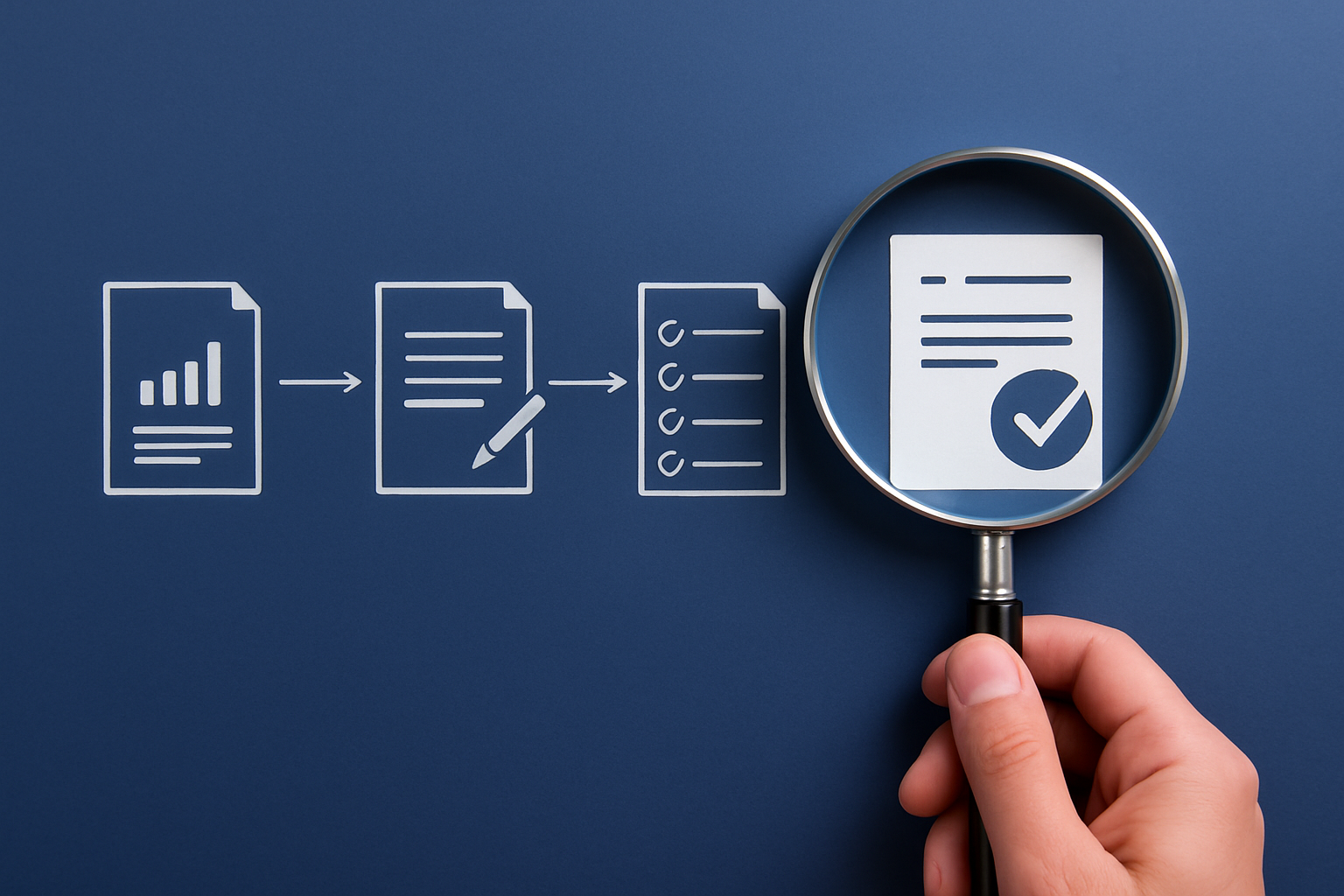
Apple’s obsession with detail becomes most visible here:
- QA workflows live inside Radar
- TestFlight supports field testing and real-world validation
- Issues are triaged through strict priority workflows
- Refinements follow rapid approval processes designed for tight deadlines
5. Launch coordination and release management
The final stretch involves a tightly choreographed effort:
- Marketing timelines sync with product development progress
- Supply chain and manufacturing teams track production capacity in real time
- Launch events follow their own secure project plans
- Support teams prepare documentation and training in advance
Behind every product is a purpose-built system
Apple’s ability to consistently ship polished, category-defining products isn’t luck. It’s the result of a project management ecosystem built around privacy, precision, and deeply integrated workflows, strengthened by purpose-built Apple project management software.
Every layer of stack reinforces the same idea: Structure supports creativity. Security enables collaboration. And the right Apple AI project management tool helps great teams build extraordinary products.
_light%201.avif)